A closer look
See it in action.
Real screens from the app — home, logging, and your summary.
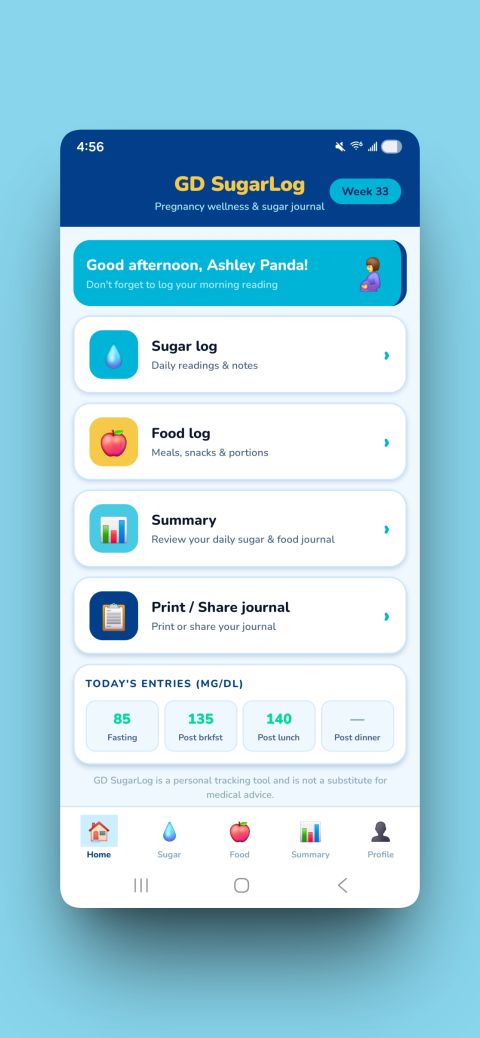
Home
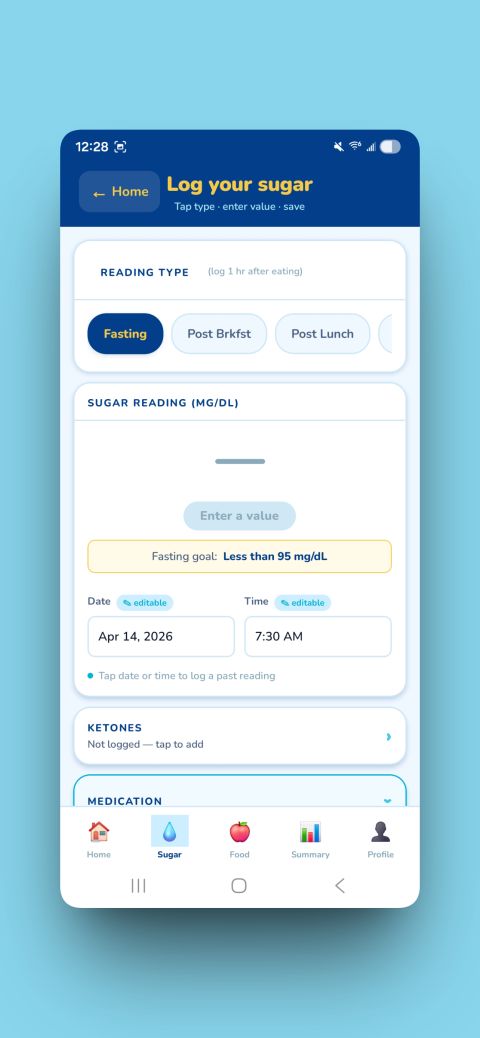
Log Your Sugar
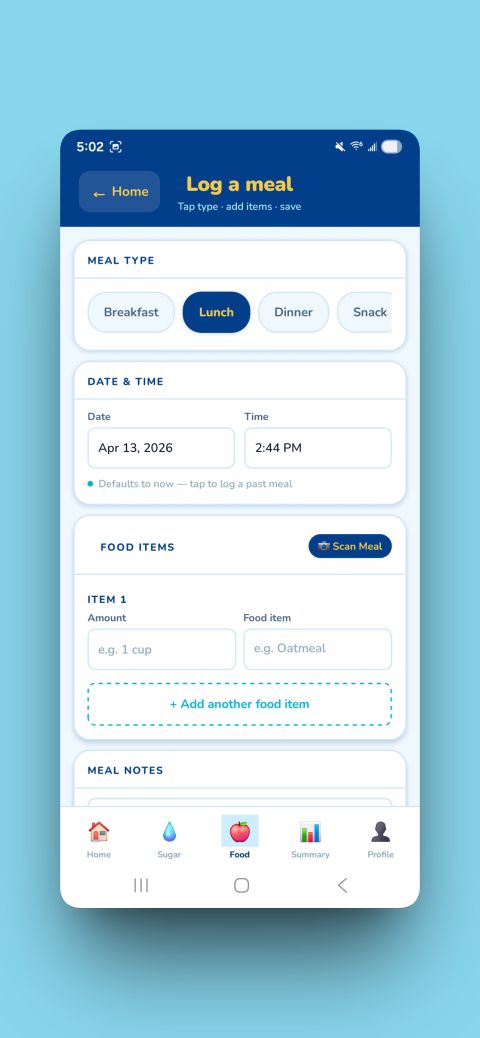
Log a Meal
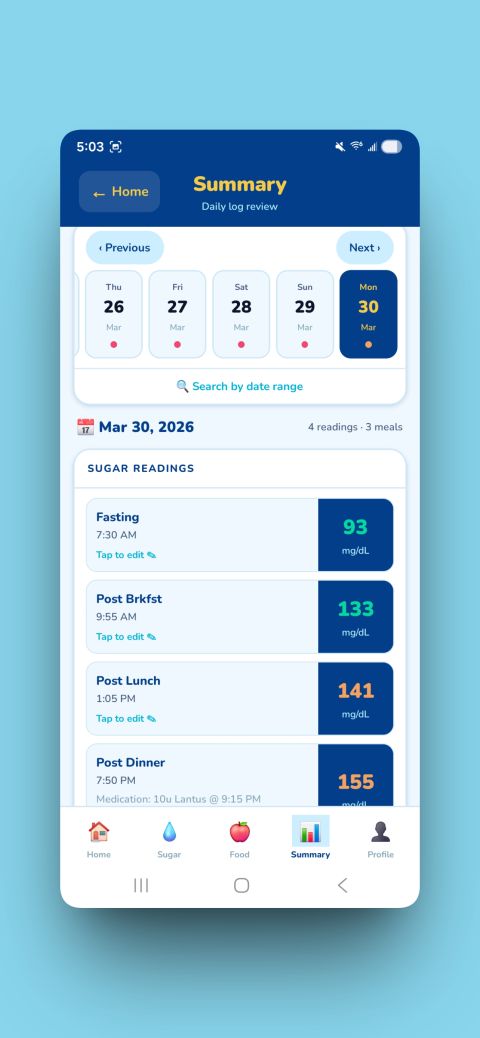
Summary
Your pregnancy wellness journal.
Log your readings and meals, review your trends, and share your journal with anyone you like. All your data stays on your device — no account, no cloud, no compromise.
I created this app to help my wife during her pregnancy with our daughter. Her clinic wanted her to track her readings and meals to maintain good health — for her and the baby. It was a manual process, and I thought: surely there has to be a better way. This app replaces the paper and pencil that can be hard to read, easy to lose, and just too cumbersome to keep up with.
Log fasting, post-meal, and bedtime readings. Instant colour-coded feedback against your personal targets. Add notes to any entry — context, reminders, or anything else worth remembering.
Record everything you eat with quantity and food name fields. Point the camera at your plate to document your meals. Optional free Gemini-powered AI camera can identify food items automatically — requires a free Google AI Studio account.
Current-day strip view, custom date range stats, averages, and time-in-range percentages — all accessible right on your summary screen.
Generate a formatted PDF of your journal for any date range. Print, save to Files, or email it to anyone with one tap.
Daily reminders for every check-in. Meal-triggered reminders fire automatically 1–2 hours after you log a meal — and cancel themselves when you log your next reading.
All data stored locally on your device. No account required. No cloud. WiFi Transfer moves data device-to-device without any server involved.
Real screens from the app — home, logging, and your summary.
A full feature tour in under 5 minutes.
Read it here, watch a video, or download the PDF — whichever works for you.
Configure your name, gestational week, personal reading targets, measurement unit, and saved contacts.
Log fasting and post-meal readings and edit past entries.
Record meals and snacks, add food items with quantities, scan with AI camera, and log meals across Breakfast, Lunch, Dinner, and Snack.
Navigate the date strip, jump to any date, and use the My Summary card for custom-range statistics and trend overview.
Generate a shareable journal, preview it, print via AirPrint, save as PDF, or email it to anyone with one tap.
Get a free Gemini API key, enter it in the app, and start scanning meals with AI to auto-fill your food log.
Enable daily check-in notifications, customize reminder times, set up meal-triggered reminders, and choose notification sounds.
Export your journal backup, restore from file, transfer data and photos between devices over WiFi, and use Danger Zone to wipe data safely.
Edit any reading or meal from the Sugar Log, Food Log, or Summary screen. Log past-date entries and delete with confirmation.
Free to download. Works on iPhone, iPad, and Android.
GD SugarLog is a personal tracking tool, not a substitute for medical advice.